Skip to content
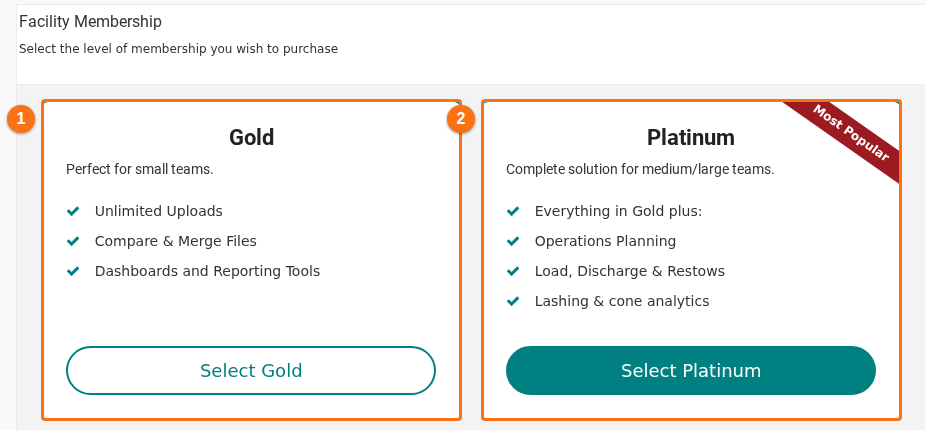
- The Facility Membership page has a new layout. Each membership level is a card with a list of features and a button: Gold (1 in the picture) and Platinum (2). Below the cards, the page shows a customer quote, picked at random.
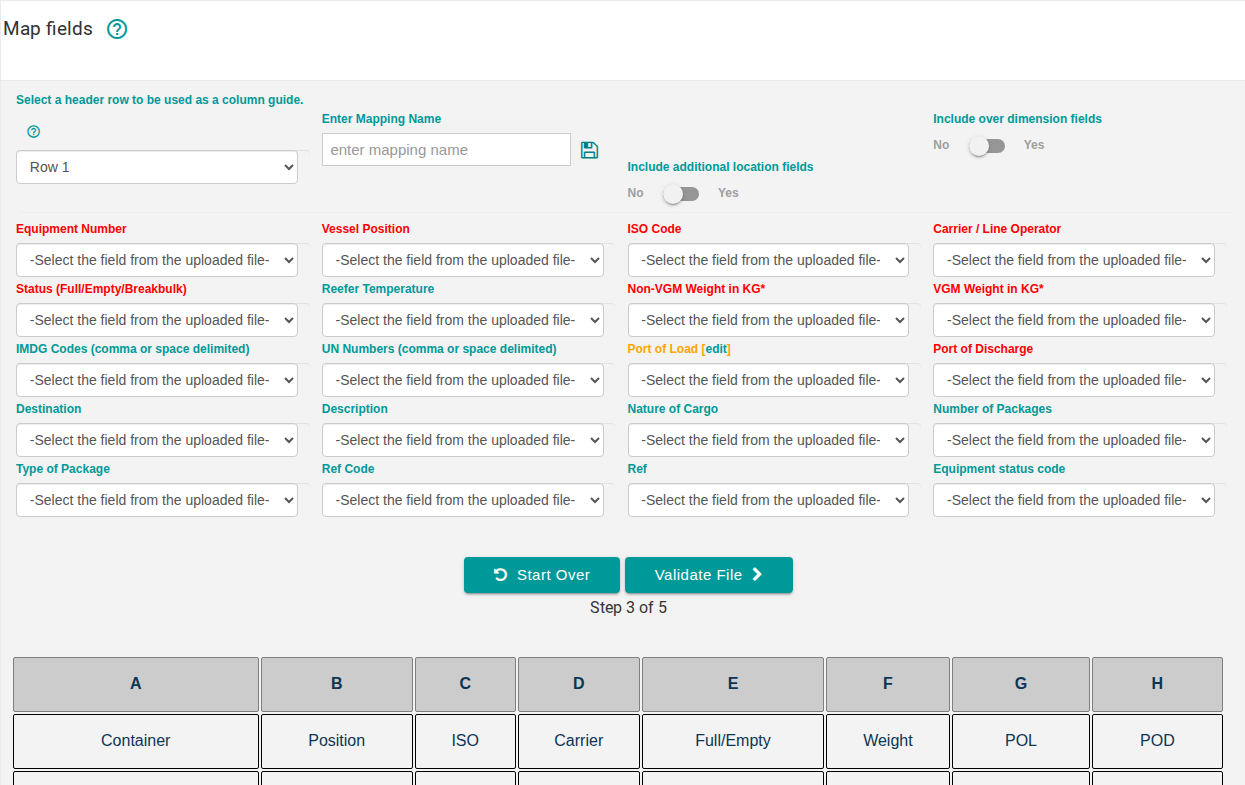
- Import Excel now accepts spreadsheets with more kinds of conditional formatting rules: formula rules, cell value comparisons, top or bottom values, above or below average, time periods, and cells with or without errors. These rules only change how cells look, so the import ignores them. Before, a spreadsheet with one of these rules was refused. The picture shows the Map fields step after the upload of such a spreadsheet.
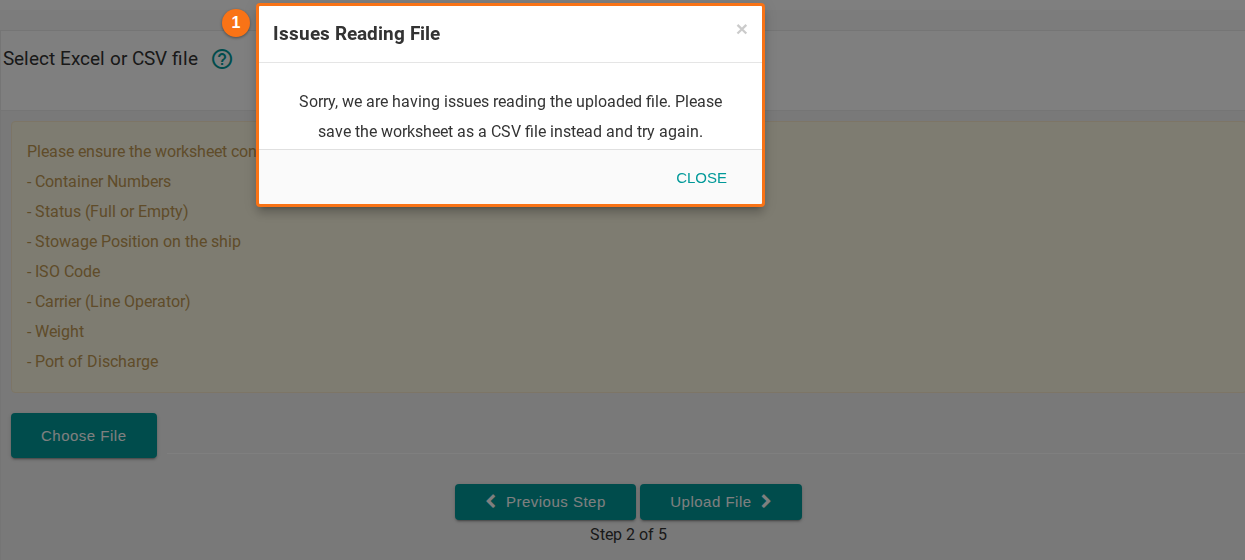
- In Import Excel, the Issues Reading File window now shows its whole message (1 in the picture). Before, part of the message was cut off.
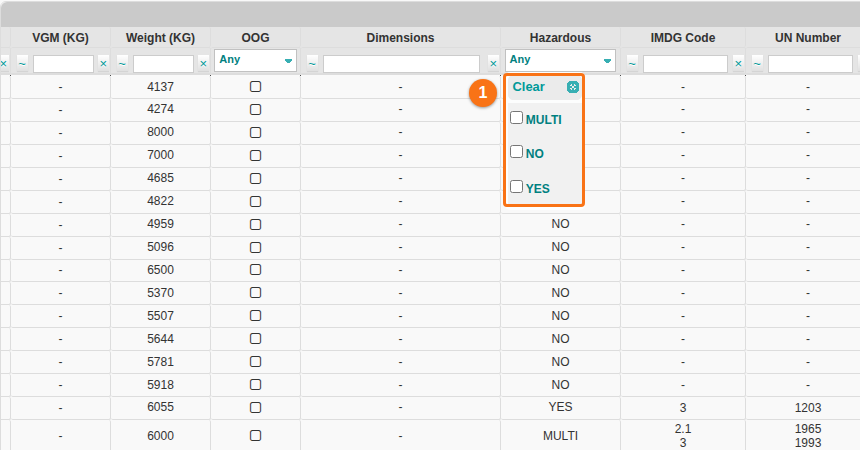
- The filter of the Hazardous column in Main Content now has the value NO (1 in the picture). Use it to show only the containers that are not hazardous. Before, the list had no NO value.