

Can I convert a BAPLIE file to a MOVINS file?
Yes. All membership types can make a MOVINS file (a file of container moves for one port) from an uploaded BAPLIE file.
Before you start: open a file that you uploaded.
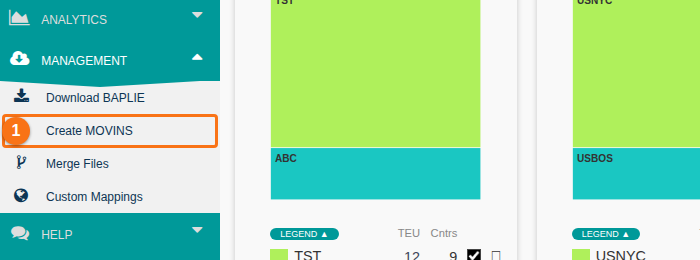
- In the Function Menu on the left, open Management and click Create MOVINS (1 in the picture).
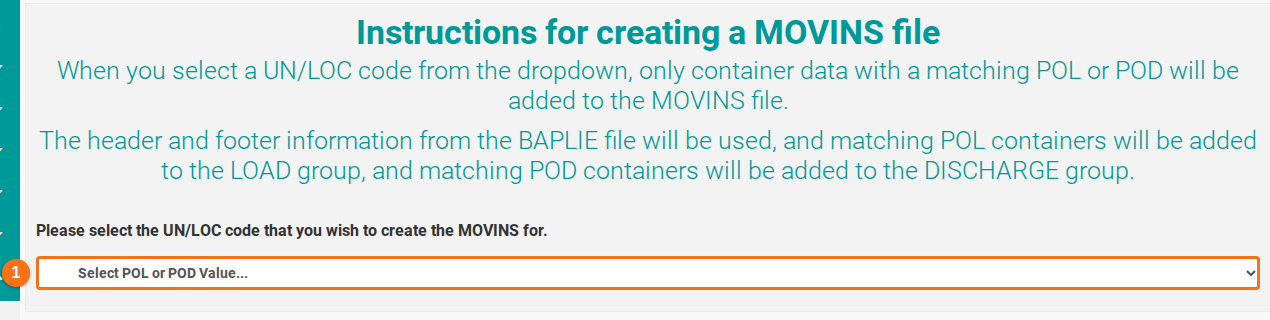
- The Instructions for creating a MOVINS file page opens. Open the list Select POL or POD Value… (1 in the picture). The list shows the ports (UN/LOC codes) in your file. Choose the port.
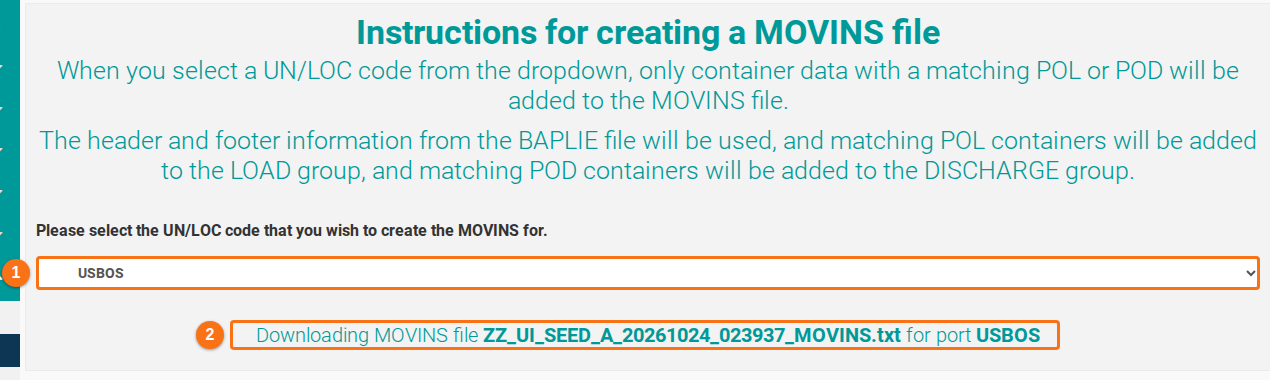
- The system makes the MOVINS file and downloads it to your computer as a .txt file. The message under the list (2 in the picture) shows the file name and the port.
What goes in the MOVINS file
Section titled “What goes in the MOVINS file”The system uses the port that you choose.
- Containers with a Port Of Load (POL) that matches the port go in the HAN+LOA group (the load group).
- Containers with a Port Of Discharge (POD) that matches the port go in the HAN+DIS group (the discharge group).
- A container has a POL that matches the port and a value in the Original POL column. The system treats it as a restow. It goes in the HAN+RES group.
- All other containers are not in the MOVINS file.
How to leave restows out
Section titled “How to leave restows out”To leave restows out, clear the Original POL values before you create the MOVINS file.
- Click Main Content. Filter the POL column on your port. Filter the Original POL column to show the records that have a value (all choices except “-”).
- Tick the check box at the top left of the table to select all these records.
- Click Edit Records. In the window, open Show Location Details on the right.
- Tick Locations and click the + button. Choose Original Port of Loading in the list. Leave the value empty.
- Click Edit Multiple Rows. Then create the MOVINS file as described above.
Good to know
Section titled “Good to know”- The system converts the BAPLIE from the uploaded version into MOVINS 2.0 format.
- VGM weights (verified gross mass) are changed into non-VGM weights.
- The older LOC segment formats from BAPLIE 1.5 are changed to the 2.0 standard.
- ATA, ETD and ATD at the sender’s port are removed, to follow the MOVINS specification.
For more details, see How to navigate the Create MOVINS option.