

Where did the Settings and Dimensions modes go?
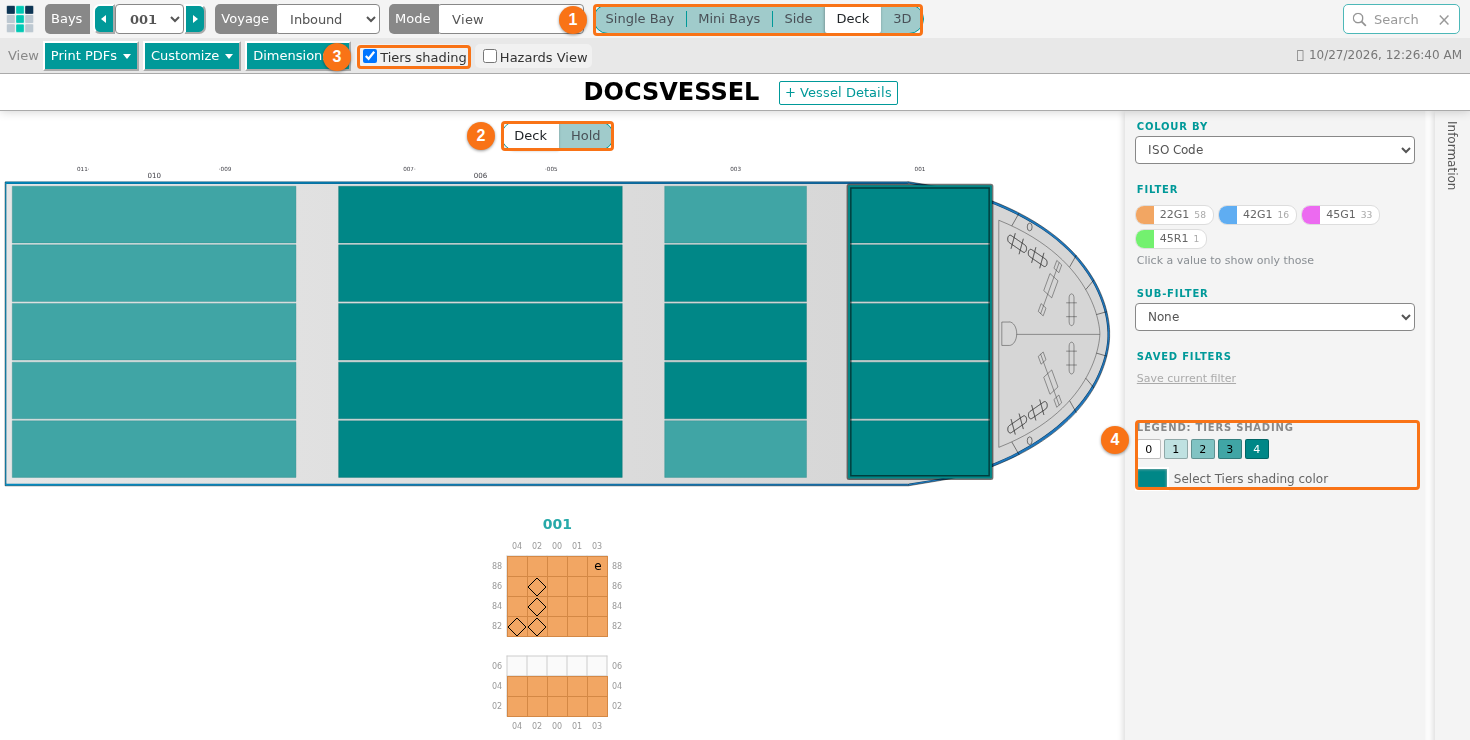
The old modes Settings and Dimensions are not in the Mode list any more. Their functions are now the lists Customize and Dimensions in the bar View. This came with the October 2026 update, which joined the 2D Bay View and the 3D Vessel View in one page.
Where to find each function
Section titled “Where to find each function”- In the Function Menu on the left, open Visualization and click 2D Bay View.
- Check that Mode in the top bar is View.
- In the bar View, open the list Customize or Dimensions (the bar is in the picture).
| Old place | Where it is now |
|---|---|
| Settings > Customize Container Colors | Customize > Customize Colors |
| Settings > Customize Info | Customize > Customize Container |
| Settings > Customize Header | Customize > Customize Header |
| Dimensions > Change Vessel Dimensions & OVDs | Dimensions > Change Vessel Dimensions & OVDs |
| Dimensions > Create/Update Vessel Definition from BAPLIE data | Dimensions > Create/Update Vessel Definition from BAPLIE data |
| 3D mode Filter | The panel Color & Filter |
| 3D mode Realistic View | The list Skin |
| View Bay in 3D | The view 3D with Bay chosen |
What we removed on purpose
Section titled “What we removed on purpose”The 3D view has no Settings mode any more. You cannot set the bridge, the smoke stacks, the cranes, the lashes or the ship colors in 3D. The 3D view also does not show decals or damages. In 3D, you can still change the colors of the containers, the Background and the Wireframes.
Good to know
Section titled “Good to know”- Filters that you saved in the old 3D Vessel View still work. Your container colors are in your user profile.
- The old buttons Bay View PDF, Mini View PDF and Operations List PDF are now in the list Print PDFs.
For the full list of controls, see How to navigate the 2D Bay View and How to navigate the 3D Vessel View. For the dimensions, see How to change the vessel dimensions.