

2022-07-28
New Features
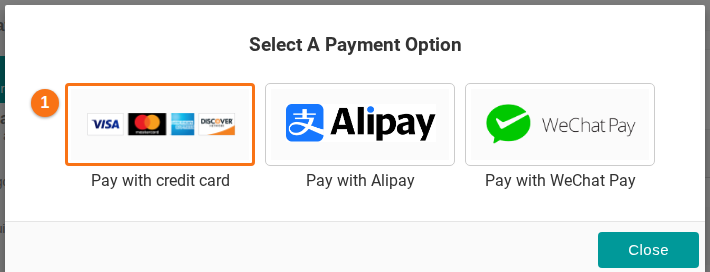
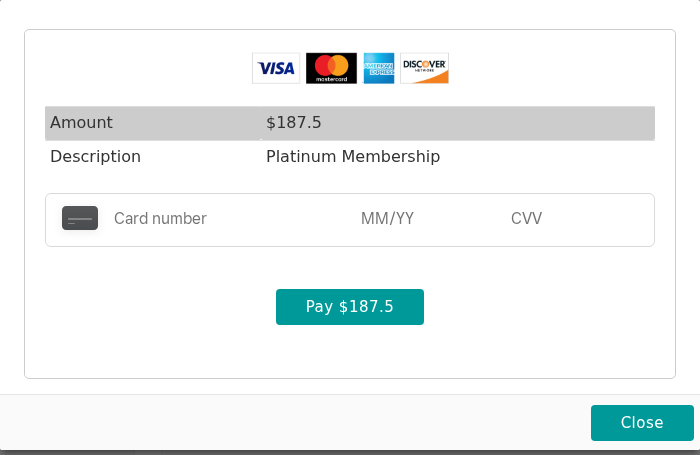
- The credit card payment uses a new provider. The card payment now stays on the BAPLIE Viewer Online website. Before, you had to go to the PayPal website to pay. Square Up handles all credit card data. No credit card details are stored in BAPLIE Viewer Online or by Square Up. Today, in the Select A Payment Option window, click Pay with credit card (1 in the picture). The card window opens on the same page. It shows the amount, the description, the fields for the card number, MM/YY and CVV, and the Pay button. See How to purchase a membership using a Credit Card.
Bug Fixes
- Changed the error messages when you upload a BAPLIE version 3.1 file. They said that BAPLIE Viewer Online did not support this version yet, and that support would come in a future release. Today BAPLIE 3.1.1 is supported. See Do you support BAPLIE version 3?