

2022-03-29
Bug Fixes
- Modified the Information Dashboard to display only 50 container records at a time in the data table to prevent slow loading of thousands of records.
- Modified the 2D Bay View to prompt for the vessel dimensions to use if all containers in the BAPLIE file are located in unknown positions (0999999).
- Modified the 3D View to display an error message if all container positions are unknown which prevents the vessel dimensions from being calculated.
- Fixed an issue with the Hull Definitions not working when using the Mini View in the 2D Bay View
- Fixed an issue with the Import from Excel feature that was trying to import empty columns of data
- Modified Import from Excel with a maximum of 20,000 records
New Features
- Added a bay graphic to the Change Vessel Dimensions popup in the 2D Bay View to better see the impact of changing each dropdown option. (How to change the vessel dimensions)
- Updated the Change Vessel Dimensions popup to have more realistic initial values (How to change the vessel dimensions)
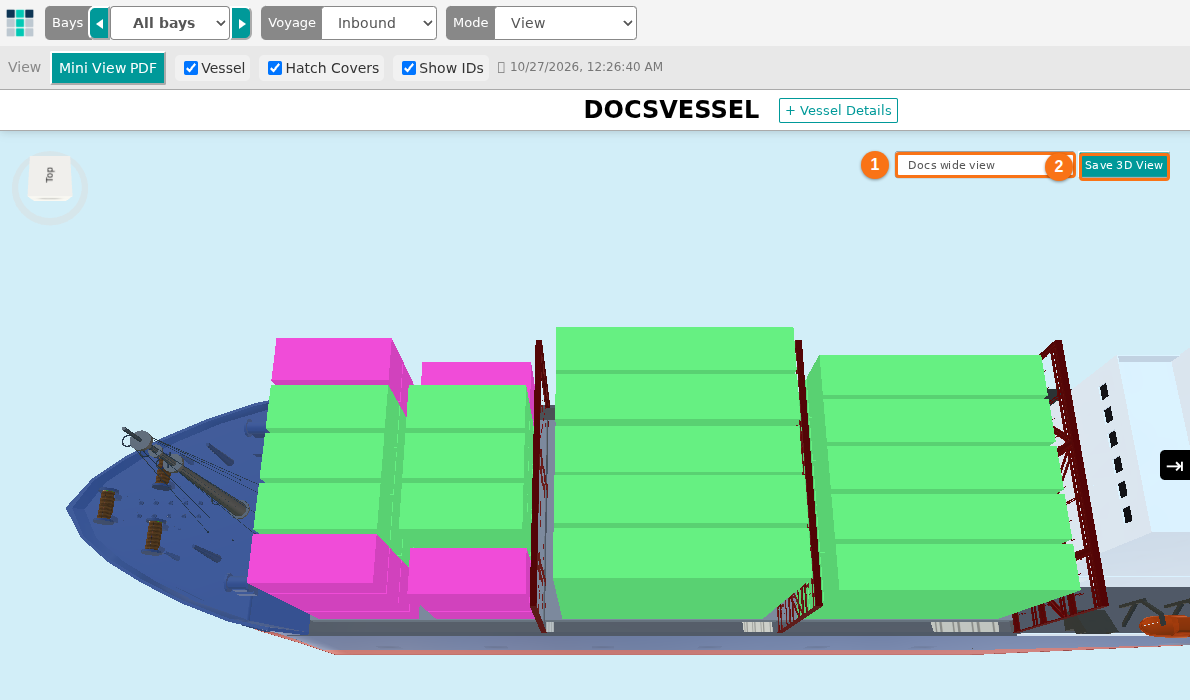
- Added the ability to save Camera Angles in the 3D View per vessel. Now you can save Vessel Wide views and Bay views to be recalled when the same Vessel is opened at a later time. Camera angles are user specific and vessel specific. (How to save camera views in the 3D Vessel View)
- Added the ability to specify which attributes to display when viewing the records associated to an Information Dashboard legend item. When you first view a BAPLIE file and the Information Dashboard is displayed, clicking on the i icon next to a legend item will display a table of those container records. Clicking the button on the top right for “Select Table Fields” will display a list of attributes to select, and the order to display the attributes. (How to see the containers behind a Dashboard chart and select table fields)