

Does BAPLIE Viewer Online support the use of equipment types?
Yes. BAPLIE Viewer Online supports equipment types in place of an ISO code (the container size and type code). To see how the viewer treats equipment types that are not ISO codes, read Does BAPLIE Viewer Online support equipment types instead of ISO codes?
Size and type codes
Section titled “Size and type codes”A size and type code has four characters. Each part has its own meaning.
First character: length
- 2: 20 feet
- 4: 40 feet
- L: 45 feet
Second character: height
- 2: 8 feet 6 inches
- 5: 9 feet 6 inches (“High Cube”)
Third and fourth characters: type
- G1: general purpose container
- R1: refrigerated container
- U1: open top container
- P1: platform container
- T1: tank container
Blank Equipment ID
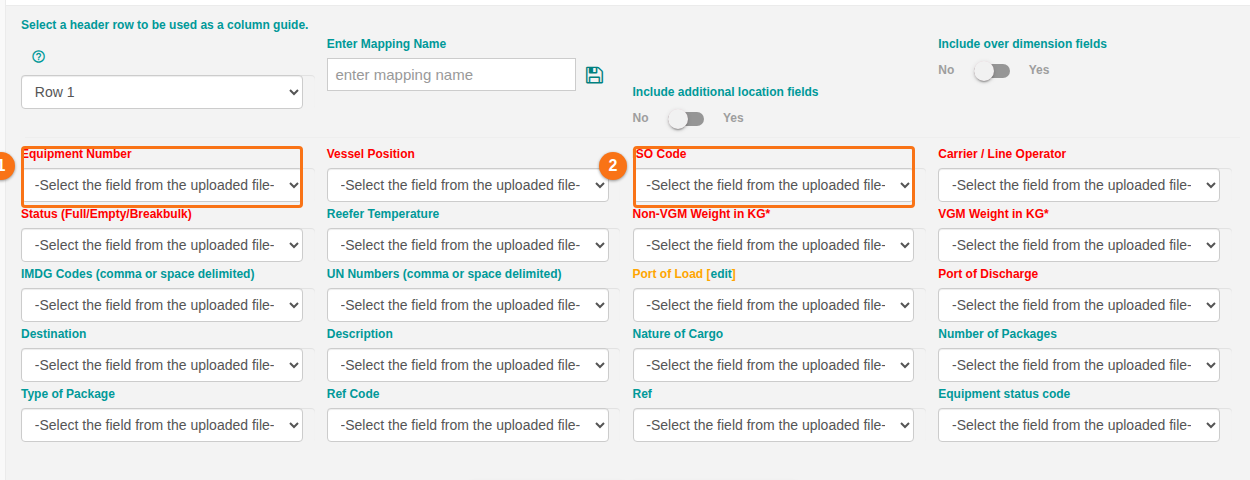
Section titled “Blank Equipment ID”When you use Import Excel, you can leave the Equipment ID field blank in your Excel spreadsheet. BAPLIE Viewer Online shows XXXXXXXXXXX in this field in the Main Content view. The BAPLIE file itself has no value there.
Example: the EQD segment of the BAPLIE file looks like this.
EQD+CN++42G1+++5'