

Can I upload a MOVINS file?
Yes. You upload a MOVINS file (a stowage instruction file) in the same way as a BAPLIE file.
- Log in to baplieviewer.com. In the Function Menu on the left, click Upload BAPLIE (1 in the picture).
- Drag the MOVINS file into the upload area, or click Or Select (highlighted in the picture) and choose the file on your computer. The file name must end with .edi, .txt or .bap. Keep the setting Automatically Detect Contents.

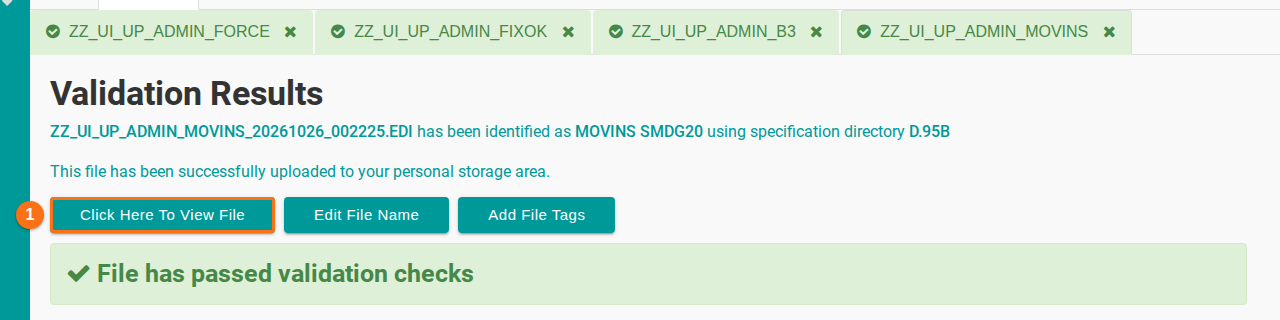
- Wait while the website checks the file against the SMDG file specification. Then read the Validation Results.
- If the file has errors, the page lists them with tips on how to fix them.
- If the file has no errors, click Click Here To View File (1 in the picture).
View the MOVINS data
Section titled “View the MOVINS data”After the upload, you can see the data of the MOVINS file in these places:
- Main Content, in the Visualization section of the Function Menu. It shows all details of the file as a table.
- The summaries, for example Cargo Summary.
- 2D Bay View and 3D Vessel View. They show the file as pictures.
The function Download BAPLIE changes the MOVINS data into a BAPLIE file.
For more details, see How to upload a MOVINS file.